Bol.com shipping integration for marketplace sellers

Connect Bol to Sendcloud to import orders every minute, print labels in bulk, and ship via your own contracts, Sendcloud rates, or Verzenden via bol.com.

170+ carriers available

Discounted shipping rates

Cancel anytime

4.6 Shopify App Store

4.6 G2

4.3 Trustpilot

Why Bol merchants choose Sendcloud

Smart shipping with Bol

As Bol sales grow, manual label creation and limited delivery choices slow you down. Sendcloud imports orders automatically, enables Verzenden via bol.com and 170+ carriers, and prints labels in bulk, saving around 7 minutes per order so you ship more, faster.

Sync Bol orders to Sendcloud automatically

Print Verzenden via bol.com (VVB) labels

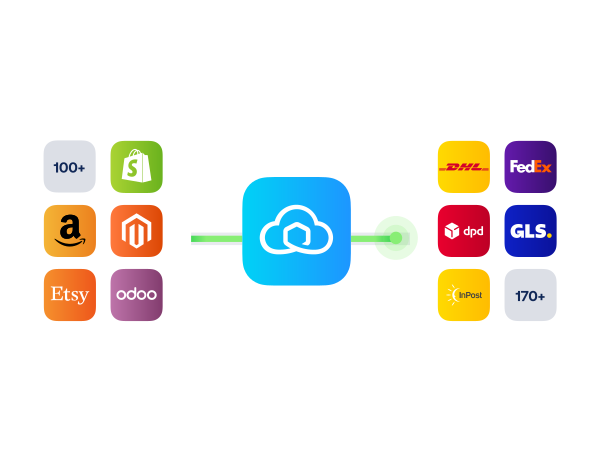
Add 170+ carriers alongside Bol shipping methods
HOW TO CONNECT

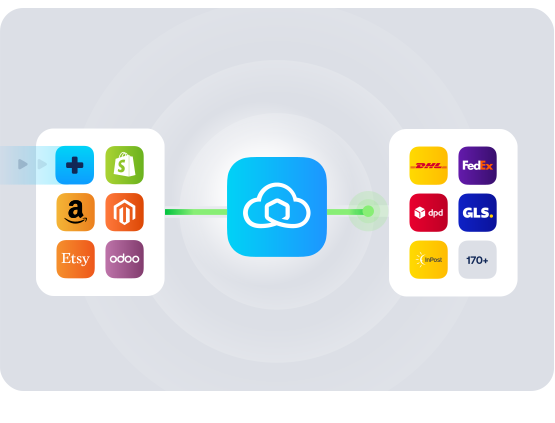
A simple 3-step flow:

Run your shipping operations from one place.
Connect Bol to Sendcloud
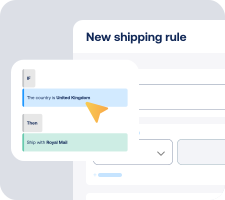
Choose carriers and automate shipping rules
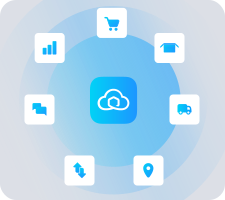
Manage shipping, tracking, and returns in one place
Get the most out of Bol with Sendcloud

Grow your business

Grow on Bol with flexible delivery choices and faster turnaround per parcel.
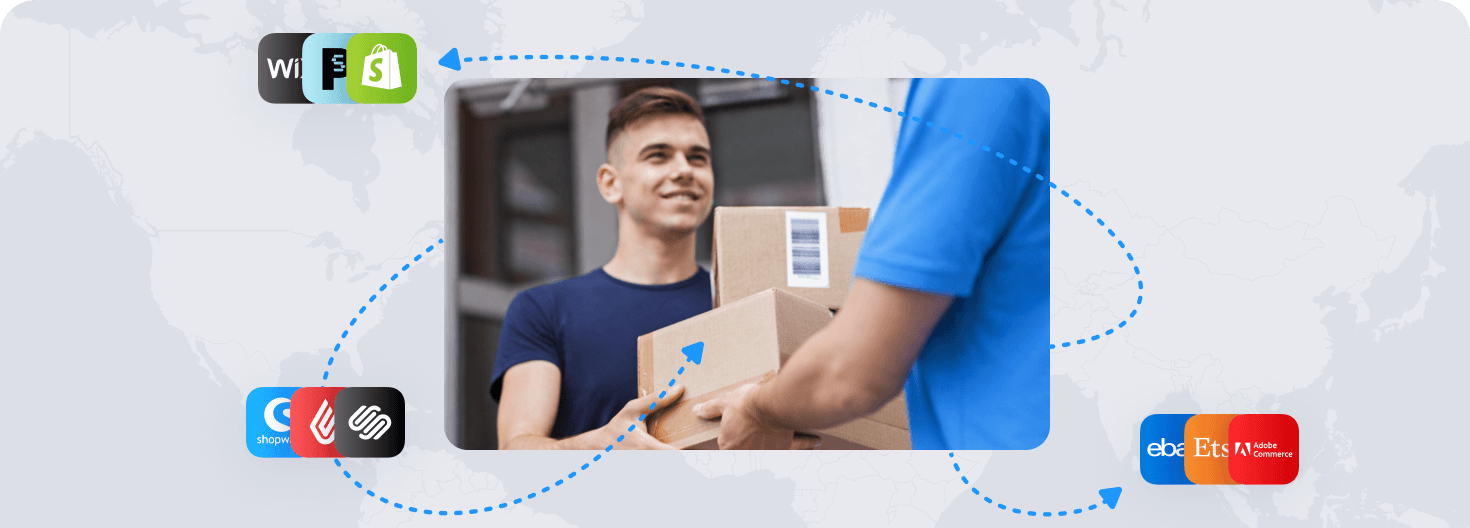
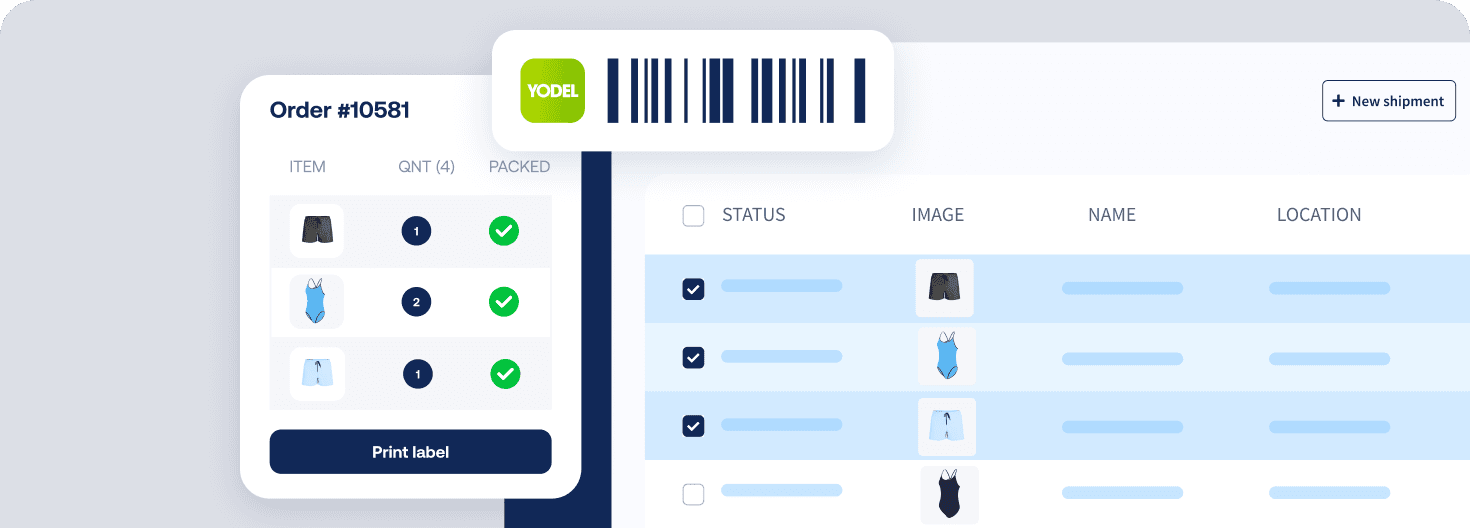
Ship more efficiently

Import orders automatically and print labels in bulk to cut clicks.
Deliver great experiences

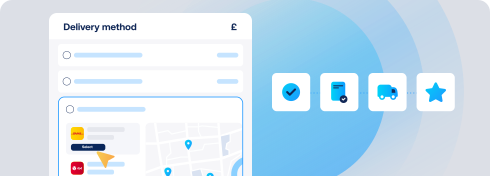
Offer Verzenden via bol.com and local carriers for reliable delivery.
Resolve shipping issues faster

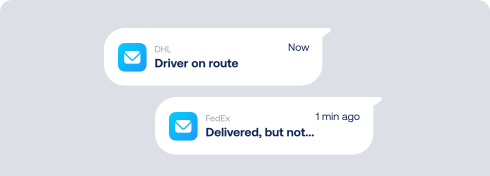
See every Bol shipment in one place. Spot delays before tickets pile up.
MULTI-CARRIER STRATEGY

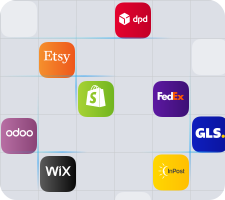
Bol shipping with the carriers your buyers expect

Offer the right service for every order. Use Verzenden via bol.com, Sendcloud rates, or your own contracts. Switch between 170+ carriers to keep costs low and delivery promises on track.
Questions & answers

How fast can I connect Bol to Sendcloud?

Use your Bol Seller API keys (public and secret). Generate them in your Bol seller settings, paste into Sendcloud at Settings > Integrations > Bol, and orders start importing within a minute. The Bol.com shipping integration is fully live in minutes.

Want a walkthrough? Follow the Bol.com installation guide.

What does the Bol.com shipping integration include?

Once connected:

  • Automatic order import from Bol about every minute

  • Three shipping options: own contracts, Sendcloud rates, or Verzenden via bol.com (VVB) labels

  • Bulk label creation that saves around 7 minutes per order vs. Bol's native flow

  • Pack & Go for picking and packing

  • Track & trace in Sendcloud, with status flowing back to Bol

  • Multi-channel processing via the Bol.com shipping app alongside your other channels

How does the Bol.com carrier integration handle marketplace shipping rules?

You choose how to ship. Upload your own carrier contracts to Sendcloud, use Sendcloud's pre-negotiated rates, or print Verzenden via bol.com (VVB) labels for orders shipped from the Netherlands. VVB is exclusive to this dedicated Bol integration; generic shop connectors can't process it. The Bol.com fulfillment integration lets you pick the right shipping option per order.

How much does the Bol.com shipping integration cost, and can I cancel?

Start on the Sendcloud Free plan with Sendcloud rates; you only pay per label once you ship. Use-your-own-contract setups need a paid Sendcloud plan (Lite, Growth, or Premium). VVB shipping costs settle through your Bol seller account; see Bol commissions and fees.

Disconnect your Bol Sendcloud integration anytime from Settings > Integrations. No long-term commitment. See Sendcloud plans and pricing.

Can I keep my own carrier contracts, or do I have to switch?

Use Sendcloud's pre-negotiated rates, your own carrier contracts, or VVB labels; pick the right option per order. Own-contract setups need a paid Sendcloud plan. Add or switch carriers anytime across 170+ options.

How are international shipments handled for Bol orders?

VVB labels cover orders shipped from the Netherlands. For Bol shipments via your own contracts or Sendcloud rates, customs documents are generated automatically when you ship outside the EU; HS codes, weights, and values flow through, including ICS2 compliance.

How are tracking and customer communication handled for Bol orders?

Tracking statuses flow back to Bol. Per Bol guidelines, Sendcloud's tracking emails are disabled for Bol marketplace orders; buyers receive notifications via Bol. You still see track & trace in your Sendcloud account for operational visibility. For other channels, you can use Sendcloud's branded tracking pages and messages.

Questions & answers

How fast can I connect Bol to Sendcloud?

Use your Bol Seller API keys (public and secret). Generate them in your Bol seller settings, paste into Sendcloud at Settings > Integrations > Bol, and orders start importing within a minute. The Bol.com shipping integration is fully live in minutes.

Want a walkthrough? Follow the Bol.com installation guide.

What does the Bol.com shipping integration include?

Once connected:

  • Automatic order import from Bol about every minute

  • Three shipping options: own contracts, Sendcloud rates, or Verzenden via bol.com (VVB) labels

  • Bulk label creation that saves around 7 minutes per order vs. Bol's native flow

  • Pack & Go for picking and packing

  • Track & trace in Sendcloud, with status flowing back to Bol

  • Multi-channel processing via the Bol.com shipping app alongside your other channels

How does the Bol.com carrier integration handle marketplace shipping rules?

You choose how to ship. Upload your own carrier contracts to Sendcloud, use Sendcloud's pre-negotiated rates, or print Verzenden via bol.com (VVB) labels for orders shipped from the Netherlands. VVB is exclusive to this dedicated Bol integration; generic shop connectors can't process it. The Bol.com fulfillment integration lets you pick the right shipping option per order.

How much does the Bol.com shipping integration cost, and can I cancel?

Start on the Sendcloud Free plan with Sendcloud rates; you only pay per label once you ship. Use-your-own-contract setups need a paid Sendcloud plan (Lite, Growth, or Premium). VVB shipping costs settle through your Bol seller account; see Bol commissions and fees.

Disconnect your Bol Sendcloud integration anytime from Settings > Integrations. No long-term commitment. See Sendcloud plans and pricing.

Can I keep my own carrier contracts, or do I have to switch?

Use Sendcloud's pre-negotiated rates, your own carrier contracts, or VVB labels; pick the right option per order. Own-contract setups need a paid Sendcloud plan. Add or switch carriers anytime across 170+ options.

How are international shipments handled for Bol orders?

VVB labels cover orders shipped from the Netherlands. For Bol shipments via your own contracts or Sendcloud rates, customs documents are generated automatically when you ship outside the EU; HS codes, weights, and values flow through, including ICS2 compliance.

How are tracking and customer communication handled for Bol orders?

Tracking statuses flow back to Bol. Per Bol guidelines, Sendcloud's tracking emails are disabled for Bol marketplace orders; buyers receive notifications via Bol. You still see track & trace in your Sendcloud account for operational visibility. For other channels, you can use Sendcloud's branded tracking pages and messages.

Questions & answers

How fast can I connect Bol to Sendcloud?

Use your Bol Seller API keys (public and secret). Generate them in your Bol seller settings, paste into Sendcloud at Settings > Integrations > Bol, and orders start importing within a minute. The Bol.com shipping integration is fully live in minutes.

Want a walkthrough? Follow the Bol.com installation guide.

What does the Bol.com shipping integration include?

Once connected:

  • Automatic order import from Bol about every minute

  • Three shipping options: own contracts, Sendcloud rates, or Verzenden via bol.com (VVB) labels

  • Bulk label creation that saves around 7 minutes per order vs. Bol's native flow

  • Pack & Go for picking and packing

  • Track & trace in Sendcloud, with status flowing back to Bol

  • Multi-channel processing via the Bol.com shipping app alongside your other channels

How does the Bol.com carrier integration handle marketplace shipping rules?

You choose how to ship. Upload your own carrier contracts to Sendcloud, use Sendcloud's pre-negotiated rates, or print Verzenden via bol.com (VVB) labels for orders shipped from the Netherlands. VVB is exclusive to this dedicated Bol integration; generic shop connectors can't process it. The Bol.com fulfillment integration lets you pick the right shipping option per order.

How much does the Bol.com shipping integration cost, and can I cancel?

Start on the Sendcloud Free plan with Sendcloud rates; you only pay per label once you ship. Use-your-own-contract setups need a paid Sendcloud plan (Lite, Growth, or Premium). VVB shipping costs settle through your Bol seller account; see Bol commissions and fees.

Disconnect your Bol Sendcloud integration anytime from Settings > Integrations. No long-term commitment. See Sendcloud plans and pricing.

Can I keep my own carrier contracts, or do I have to switch?

Use Sendcloud's pre-negotiated rates, your own carrier contracts, or VVB labels; pick the right option per order. Own-contract setups need a paid Sendcloud plan. Add or switch carriers anytime across 170+ options.

How are international shipments handled for Bol orders?

VVB labels cover orders shipped from the Netherlands. For Bol shipments via your own contracts or Sendcloud rates, customs documents are generated automatically when you ship outside the EU; HS codes, weights, and values flow through, including ICS2 compliance.

How are tracking and customer communication handled for Bol orders?

Tracking statuses flow back to Bol. Per Bol guidelines, Sendcloud's tracking emails are disabled for Bol marketplace orders; buyers receive notifications via Bol. You still see track & trace in your Sendcloud account for operational visibility. For other channels, you can use Sendcloud's branded tracking pages and messages.

When delivery goes wrong, your brand shows up first

Connect Sendcloud to Klaviyo today.

Free plan available

Works with your shop

Cancel anytime

Connect Klaviyo

FInd out more