Itsperfect Fashion ERP integration for fashion brands

Connect Itsperfect with Sendcloud to sync wholesale and DTC orders, print labels, and ship with 170+ carriers from your fashion ERP.

170+ carriers available

Discounted shipping rates

Cancel anytime

4.6 Shopify App Store

4.6 G2

4.3 Trustpilot

Why Itsperfect Fashion ERP merchants choose Sendcloud

Smart shipping with Itsperfect Fashion ERP

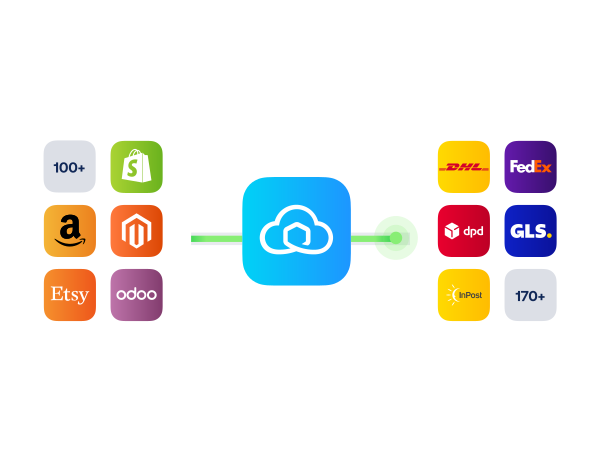
Fashion brands on Itsperfect handle wholesale and DTC together. Sendcloud syncs both order flows, prints labels, and connects 170+ carriers. Returns and tracking sit in one place so your team scales drops without extra ops.

Share one carrier setup across warehouse and retail

Switch between 170+ carriers as demand changes

Keep wholesale and DTC methods aligned by market
HOW TO CONNECT

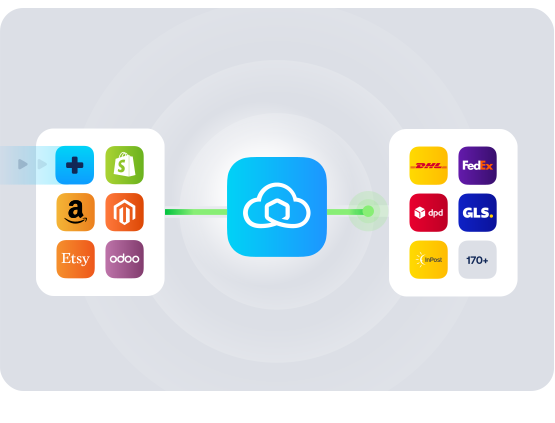
A simple 3-step flow:

Run your shipping operations from one place.
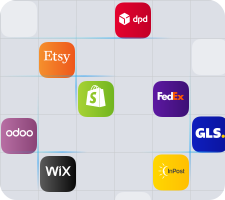
Connect Itsperfect Fashion ERP to Sendcloud
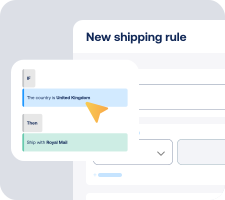
Choose carriers and automate shipping rules

Manage shipping, tracking, and returns in one place

Get the most out of Itsperfect Fashion ERP with Sendcloud

Grow your business

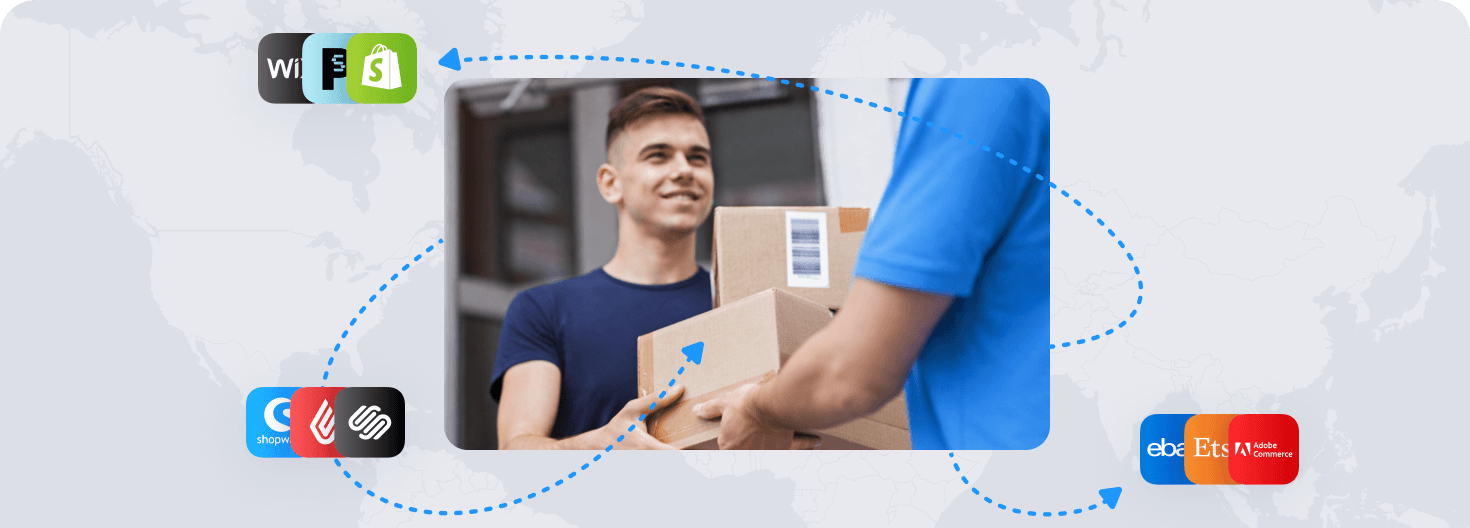
Run wholesale and DTC drops with one shipping flow.
Ship more efficiently

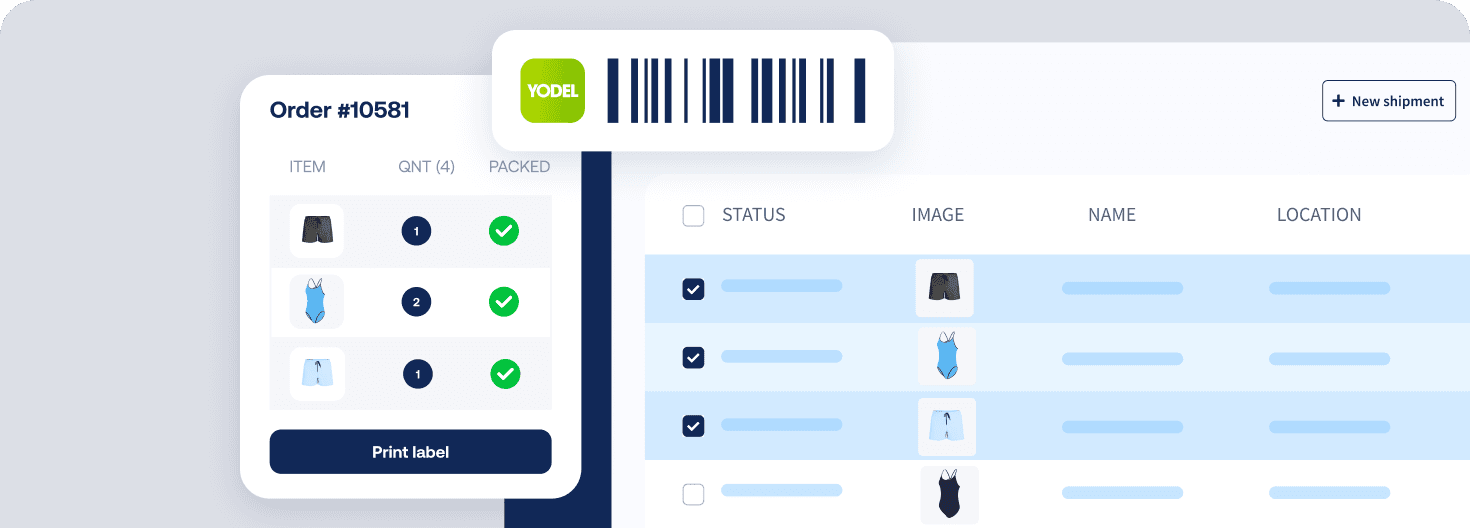
Bulk-print labels for fashion drops across channels.
Deliver great experiences

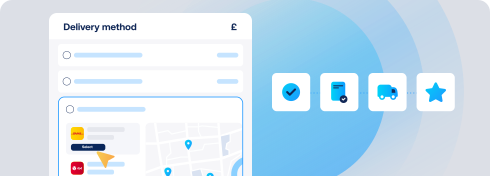
Send branded tracking and offer pickup for DTC buyers.
Resolve shipping issues faster

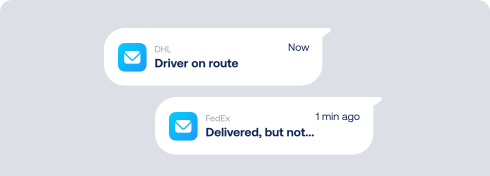
Sync tracking to Itsperfect to resolve client and shopper issues fast.
MULTI-CARRIER STRATEGY

Itsperfect shipping with the carriers your operations need

Match every parcel to the right service. Use 170+ carriers in Sendcloud or upload your contracts and keep labels, tracking, and returns in one place.
Questions & answers

How do we connect Itsperfect Fashion ERP to Sendcloud?

Setup takes a single session. In Itsperfect Fashion ERP, connect through Sendcloud's API or the Itsperfect Fashion ERP app screen, and orders start syncing into Sendcloud. Your Itsperfect Fashion ERP integration is live as soon as the first label prints.

For more context, see Itsperfect Sendcloud integration page.

What does the Itsperfect Fashion ERP integration include?

Once connected, Sendcloud automates the shipping work and writes results back.

  • Order import from Itsperfect Fashion ERP into Sendcloud

  • Multi-carrier rate selection across 170+ carriers

  • Shipping rules by destination, weight, value, or tags

  • Label creation for single or batch flows

  • Tracking write-back to Itsperfect Fashion ERP orders

  • Customs documents auto-generated for non-EU shipments

  • Itsperfect carrier integration scales as you add or switch carriers

Will the Itsperfect shipping integration fit our existing fulfillment workflow?

Yes. Sales orders, inventory, and accounting stay in Itsperfect Fashion ERP. Sendcloud sits on top for carrier selection, label printing, and tracking.

  • Field mapping: Use the order data our team already has, including SKUs, weights, and addresses.

  • Warehouse-aware: Apply shipping rules per warehouse and batch print by pick wave.

  • Flexible printing: Print to thermal or PDF from our packing stations.

Most teams plug Sendcloud in alongside their current setup, extending the Itsperfect ERP Sendcloud without changing how they book inventory or post accounting.

How much does the Itsperfect Fashion ERP integration cost, and can we cancel?

Most ERP teams start on a paid Sendcloud plan (Lite, Growth, or Premium) since you'll typically ship on your own carrier contracts, which require a paid plan, and run higher monthly volumes. The Free plan is enough to validate the connection.

Disconnect your Itsperfect Fashion ERP Sendcloud connection anytime from Settings > Integrations. No contract, no exit fees. See Sendcloud plans and pricing.

Can we keep our own carrier contracts?

Yes. Use Sendcloud's pre-negotiated rates, upload your own carrier contracts, or mix both. Add or switch carriers anytime across 170+ options. Own-contract setups need a paid Sendcloud plan.

How are international shipments and customs handled?

For non-EU shipments, Sendcloud generates customs documents from your Itsperfect Fashion ERP order data. HS codes, weights, values, and country of origin flow through automatically, including ICS2 compliance.

What stays in Itsperfect Fashion ERP, and what goes to Sendcloud?

Itsperfect Fashion ERP stays your source of truth for inventory, accounting, and order management. Sendcloud handles outbound shipping only: carrier selection, label printing, tracking. Sendcloud doesn't touch inventory or financial records; it pulls order data and writes back tracking.

Questions & answers

How do we connect Itsperfect Fashion ERP to Sendcloud?

Setup takes a single session. In Itsperfect Fashion ERP, connect through Sendcloud's API or the Itsperfect Fashion ERP app screen, and orders start syncing into Sendcloud. Your Itsperfect Fashion ERP integration is live as soon as the first label prints.

For more context, see Itsperfect Sendcloud integration page.

What does the Itsperfect Fashion ERP integration include?

Once connected, Sendcloud automates the shipping work and writes results back.

  • Order import from Itsperfect Fashion ERP into Sendcloud

  • Multi-carrier rate selection across 170+ carriers

  • Shipping rules by destination, weight, value, or tags

  • Label creation for single or batch flows

  • Tracking write-back to Itsperfect Fashion ERP orders

  • Customs documents auto-generated for non-EU shipments

  • Itsperfect carrier integration scales as you add or switch carriers

Will the Itsperfect shipping integration fit our existing fulfillment workflow?

Yes. Sales orders, inventory, and accounting stay in Itsperfect Fashion ERP. Sendcloud sits on top for carrier selection, label printing, and tracking.

  • Field mapping: Use the order data our team already has, including SKUs, weights, and addresses.

  • Warehouse-aware: Apply shipping rules per warehouse and batch print by pick wave.

  • Flexible printing: Print to thermal or PDF from our packing stations.

Most teams plug Sendcloud in alongside their current setup, extending the Itsperfect ERP Sendcloud without changing how they book inventory or post accounting.

How much does the Itsperfect Fashion ERP integration cost, and can we cancel?

Most ERP teams start on a paid Sendcloud plan (Lite, Growth, or Premium) since you'll typically ship on your own carrier contracts, which require a paid plan, and run higher monthly volumes. The Free plan is enough to validate the connection.

Disconnect your Itsperfect Fashion ERP Sendcloud connection anytime from Settings > Integrations. No contract, no exit fees. See Sendcloud plans and pricing.

Can we keep our own carrier contracts?

Yes. Use Sendcloud's pre-negotiated rates, upload your own carrier contracts, or mix both. Add or switch carriers anytime across 170+ options. Own-contract setups need a paid Sendcloud plan.

How are international shipments and customs handled?

For non-EU shipments, Sendcloud generates customs documents from your Itsperfect Fashion ERP order data. HS codes, weights, values, and country of origin flow through automatically, including ICS2 compliance.

What stays in Itsperfect Fashion ERP, and what goes to Sendcloud?

Itsperfect Fashion ERP stays your source of truth for inventory, accounting, and order management. Sendcloud handles outbound shipping only: carrier selection, label printing, tracking. Sendcloud doesn't touch inventory or financial records; it pulls order data and writes back tracking.

Questions & answers

How do we connect Itsperfect Fashion ERP to Sendcloud?

Setup takes a single session. In Itsperfect Fashion ERP, connect through Sendcloud's API or the Itsperfect Fashion ERP app screen, and orders start syncing into Sendcloud. Your Itsperfect Fashion ERP integration is live as soon as the first label prints.

For more context, see Itsperfect Sendcloud integration page.

What does the Itsperfect Fashion ERP integration include?

Once connected, Sendcloud automates the shipping work and writes results back.

  • Order import from Itsperfect Fashion ERP into Sendcloud

  • Multi-carrier rate selection across 170+ carriers

  • Shipping rules by destination, weight, value, or tags

  • Label creation for single or batch flows

  • Tracking write-back to Itsperfect Fashion ERP orders

  • Customs documents auto-generated for non-EU shipments

  • Itsperfect carrier integration scales as you add or switch carriers

Will the Itsperfect shipping integration fit our existing fulfillment workflow?

Yes. Sales orders, inventory, and accounting stay in Itsperfect Fashion ERP. Sendcloud sits on top for carrier selection, label printing, and tracking.

  • Field mapping: Use the order data our team already has, including SKUs, weights, and addresses.

  • Warehouse-aware: Apply shipping rules per warehouse and batch print by pick wave.

  • Flexible printing: Print to thermal or PDF from our packing stations.

Most teams plug Sendcloud in alongside their current setup, extending the Itsperfect ERP Sendcloud without changing how they book inventory or post accounting.

How much does the Itsperfect Fashion ERP integration cost, and can we cancel?

Most ERP teams start on a paid Sendcloud plan (Lite, Growth, or Premium) since you'll typically ship on your own carrier contracts, which require a paid plan, and run higher monthly volumes. The Free plan is enough to validate the connection.

Disconnect your Itsperfect Fashion ERP Sendcloud connection anytime from Settings > Integrations. No contract, no exit fees. See Sendcloud plans and pricing.

Can we keep our own carrier contracts?

Yes. Use Sendcloud's pre-negotiated rates, upload your own carrier contracts, or mix both. Add or switch carriers anytime across 170+ options. Own-contract setups need a paid Sendcloud plan.

How are international shipments and customs handled?

For non-EU shipments, Sendcloud generates customs documents from your Itsperfect Fashion ERP order data. HS codes, weights, values, and country of origin flow through automatically, including ICS2 compliance.

What stays in Itsperfect Fashion ERP, and what goes to Sendcloud?

Itsperfect Fashion ERP stays your source of truth for inventory, accounting, and order management. Sendcloud handles outbound shipping only: carrier selection, label printing, tracking. Sendcloud doesn't touch inventory or financial records; it pulls order data and writes back tracking.

When delivery goes wrong, your brand shows up first

Connect Sendcloud to Klaviyo today.

Free plan available

Works with your shop

Cancel anytime

Connect Klaviyo

FInd out more