JTL-Shop shipping integration for shops on JTL-Wawi

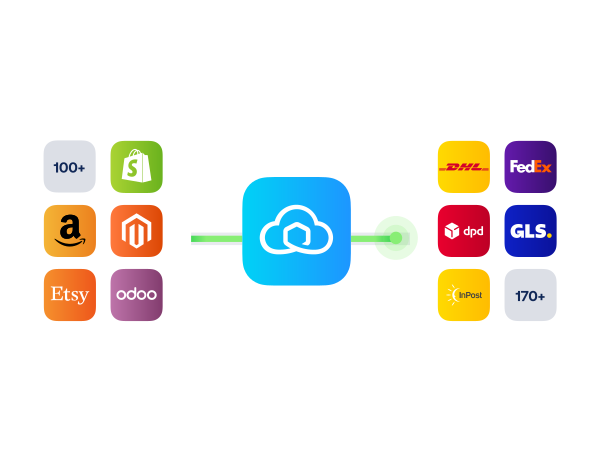
Connect JTL Shop to Sendcloud to automate shipping, sync recent orders, and map delivery methods to the right carriers so you ship faster with less effort.

170+ carriers available

Discounted shipping rates

Cancel anytime

4.6 Shopify App Store

4.6 G2

4.3 Trustpilot

Why JTL Shop merchants choose Sendcloud

Smart shipping with JTL Shop

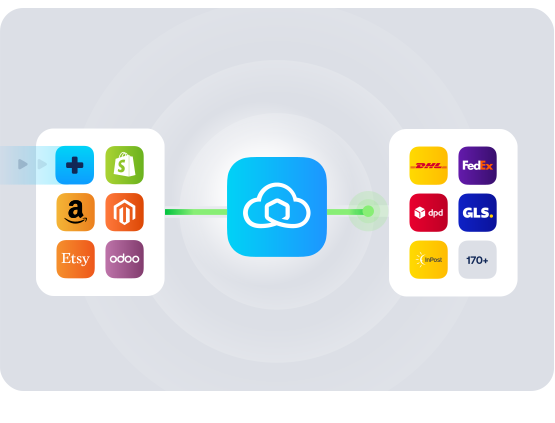
As you scale JTL Shop with JTL-Wawi, shipping setup eats time and limits carrier choice. Sendcloud installs via plugin, syncs your last 30 days of orders, and lets you link shop methods to enabled carriers. You speed up fulfillment and keep delivery flexible.

Import JTL Shop orders from the last 30 days automatically

Map JTL shipping methods to Sendcloud carriers in minutes

Offer more delivery options with 170+ connected carriers
HOW TO CONNECT

A simple 3-step flow:

Run your shipping operations from one place.
Connect JTL Shop to Sendcloud
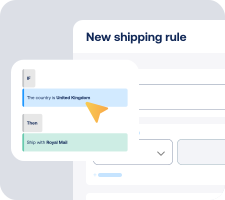
Choose carriers and automate shipping rules

Manage shipping, tracking, and returns in one place

Get the most out of JTL Shop with Sendcloud

Grow your business

Add carrier choice in checkout to win more orders.
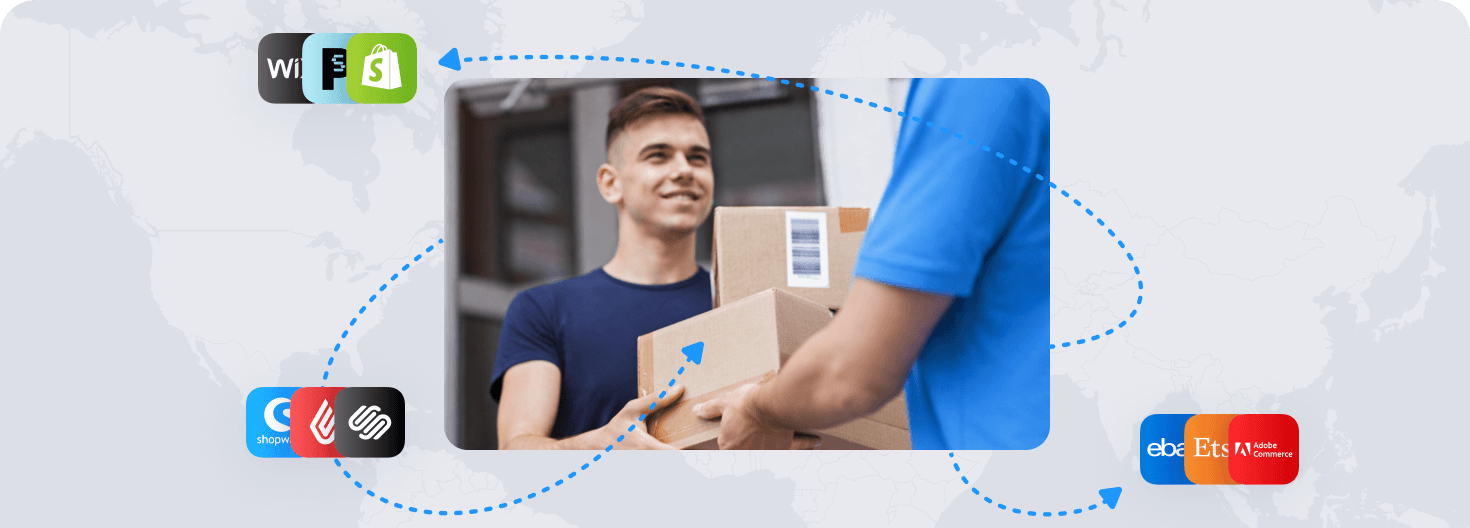
Ship more efficiently

Sync orders and print labels faster from Incoming Order View.
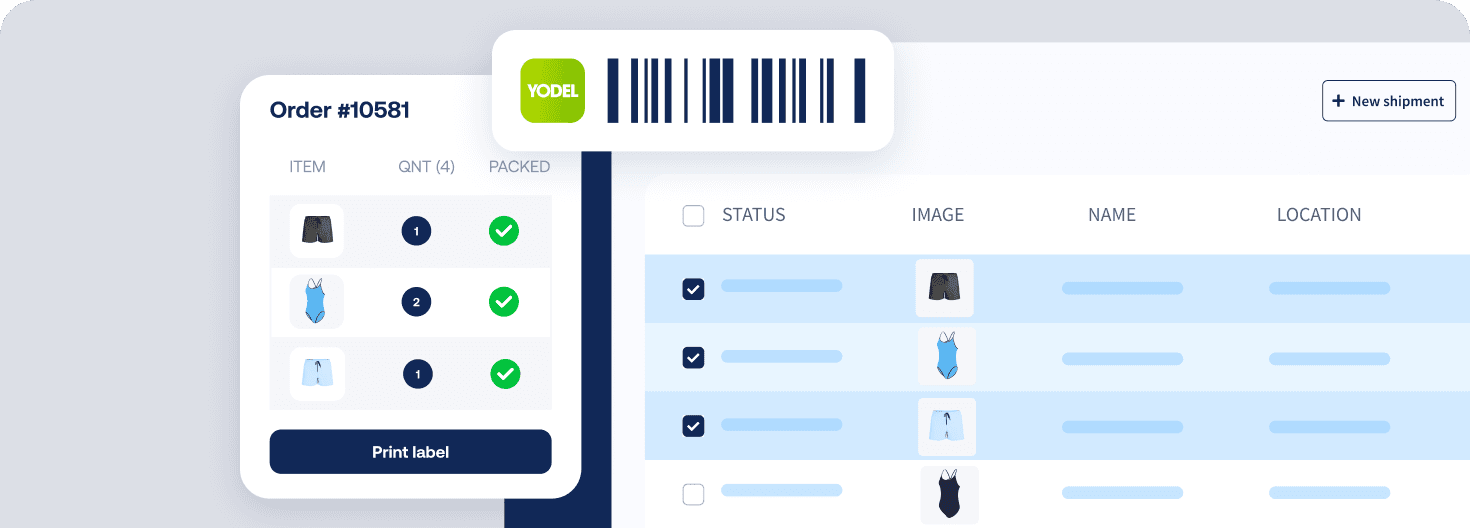
Deliver great experiences

Match each JTL Shop order to the right carrier for the destination.
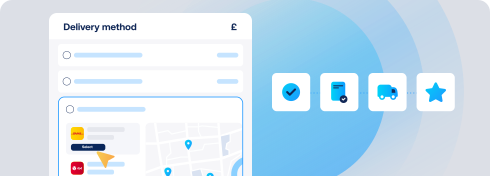
Resolve shipping issues faster

Spot delays in recent JTL Shop orders and act before tickets land.

WHAT OUR CUSTOMERS SAY

From hours to seconds

“Before Sendcloud, we used to waste hours each week manually typing in orders. Now, we can match up the order sheet with the labels in seconds.”

50%

faster order processing

90%

reduction in shipping errors

MULTI-CARRIER STRATEGY

JTL Shop shipping with the carriers your customers expect

Offer more choice with a multi-carrier strategy. Use pre-negotiated rates from 170+ carriers in Sendcloud or add your own contracts to ship, track, and manage returns in one place.

Questions & answers

How fast can I connect JTL Shop to Sendcloud?

Setup takes minutes. In JTL Shop, install the JTL Shop connector for Sendcloud and authorize your account, and orders start syncing into Sendcloud. Your JTL-Shop shipping integration is live as soon as the first label prints.

For step-by-step instructions, see Sendcloud's JTL Shop Help Center article.

What does the JTL-Shop shipping integration include?

Once connected, Sendcloud automates the shipping work and writes results back.

  • Automatic order import to your Sendcloud account

  • Pickup-point delivery options at checkout where supported

  • 170+ carriers managed from one platform

  • Shipping Automation by destination, weight, value, or tags

  • Pack & Go for picking and packing

  • Branded tracking and the return portal at no extra setup

  • JTL shipping module scales as you add channels or carriers

Will the JTL-Shop carrier integration work with my checkout and shipping methods?

Yes. Once you enable carriers and shipping methods in Sendcloud, they show in the JTL Shop checkout. Pickup-point selection, home delivery, and per-method costs all stay under my control.

  • Checkout-aware: Service points and delivery options where carriers support them.

  • No replatforming: Keep my JTL Shop setup unchanged.

The JTL-Shop delivery integration keeps my checkout consistent across markets.

How much does the JTL-Shop shipping integration cost, and can I cancel?

Yes, you can cancel anytime. Start on the Sendcloud Free plan and pay per label as you ship. Most JTL Shop merchants stay on Free or Lite as they grow; upgrade only when you need more volume or advanced features.

Disconnect your JTL Shop Sendcloud connection anytime from Settings > Integrations. No contract, no exit fees. See Sendcloud plans and pricing.

Can I keep my own carrier contracts?

Yes. Use Sendcloud's pre-negotiated rates, upload your own carrier contracts, or mix both. Add or switch carriers anytime across 170+ options. Own-contract setups need a paid Sendcloud plan.

How are international shipments and customs handled?

For non-EU shipments, Sendcloud generates customs documents from your JTL Shop order data. HS codes, weights, values, and country of origin flow through automatically, including ICS2 compliance.

How does syncing and tracking work between JTL Shop and Sendcloud?

Orders flow from JTL Shop to Sendcloud automatically. As you create labels and parcels move through each step, status updates flow back to JTL Shop so order states stay in sync. Tracking numbers are added, and customers receive branded tracking messages without extra manual work.

Questions & answers

How fast can I connect JTL Shop to Sendcloud?

Setup takes minutes. In JTL Shop, install the JTL Shop connector for Sendcloud and authorize your account, and orders start syncing into Sendcloud. Your JTL-Shop shipping integration is live as soon as the first label prints.

For step-by-step instructions, see Sendcloud's JTL Shop Help Center article.

What does the JTL-Shop shipping integration include?

Once connected, Sendcloud automates the shipping work and writes results back.

  • Automatic order import to your Sendcloud account

  • Pickup-point delivery options at checkout where supported

  • 170+ carriers managed from one platform

  • Shipping Automation by destination, weight, value, or tags

  • Pack & Go for picking and packing

  • Branded tracking and the return portal at no extra setup

  • JTL shipping module scales as you add channels or carriers

Will the JTL-Shop carrier integration work with my checkout and shipping methods?

Yes. Once you enable carriers and shipping methods in Sendcloud, they show in the JTL Shop checkout. Pickup-point selection, home delivery, and per-method costs all stay under my control.

  • Checkout-aware: Service points and delivery options where carriers support them.

  • No replatforming: Keep my JTL Shop setup unchanged.

The JTL-Shop delivery integration keeps my checkout consistent across markets.

How much does the JTL-Shop shipping integration cost, and can I cancel?

Yes, you can cancel anytime. Start on the Sendcloud Free plan and pay per label as you ship. Most JTL Shop merchants stay on Free or Lite as they grow; upgrade only when you need more volume or advanced features.

Disconnect your JTL Shop Sendcloud connection anytime from Settings > Integrations. No contract, no exit fees. See Sendcloud plans and pricing.

Can I keep my own carrier contracts?

Yes. Use Sendcloud's pre-negotiated rates, upload your own carrier contracts, or mix both. Add or switch carriers anytime across 170+ options. Own-contract setups need a paid Sendcloud plan.

How are international shipments and customs handled?

For non-EU shipments, Sendcloud generates customs documents from your JTL Shop order data. HS codes, weights, values, and country of origin flow through automatically, including ICS2 compliance.

How does syncing and tracking work between JTL Shop and Sendcloud?

Orders flow from JTL Shop to Sendcloud automatically. As you create labels and parcels move through each step, status updates flow back to JTL Shop so order states stay in sync. Tracking numbers are added, and customers receive branded tracking messages without extra manual work.

Questions & answers

How fast can I connect JTL Shop to Sendcloud?

Setup takes minutes. In JTL Shop, install the JTL Shop connector for Sendcloud and authorize your account, and orders start syncing into Sendcloud. Your JTL-Shop shipping integration is live as soon as the first label prints.

For step-by-step instructions, see Sendcloud's JTL Shop Help Center article.

What does the JTL-Shop shipping integration include?

Once connected, Sendcloud automates the shipping work and writes results back.

  • Automatic order import to your Sendcloud account

  • Pickup-point delivery options at checkout where supported

  • 170+ carriers managed from one platform

  • Shipping Automation by destination, weight, value, or tags

  • Pack & Go for picking and packing

  • Branded tracking and the return portal at no extra setup

  • JTL shipping module scales as you add channels or carriers

Will the JTL-Shop carrier integration work with my checkout and shipping methods?

Yes. Once you enable carriers and shipping methods in Sendcloud, they show in the JTL Shop checkout. Pickup-point selection, home delivery, and per-method costs all stay under my control.

  • Checkout-aware: Service points and delivery options where carriers support them.

  • No replatforming: Keep my JTL Shop setup unchanged.

The JTL-Shop delivery integration keeps my checkout consistent across markets.

How much does the JTL-Shop shipping integration cost, and can I cancel?

Yes, you can cancel anytime. Start on the Sendcloud Free plan and pay per label as you ship. Most JTL Shop merchants stay on Free or Lite as they grow; upgrade only when you need more volume or advanced features.

Disconnect your JTL Shop Sendcloud connection anytime from Settings > Integrations. No contract, no exit fees. See Sendcloud plans and pricing.

Can I keep my own carrier contracts?

Yes. Use Sendcloud's pre-negotiated rates, upload your own carrier contracts, or mix both. Add or switch carriers anytime across 170+ options. Own-contract setups need a paid Sendcloud plan.

How are international shipments and customs handled?

For non-EU shipments, Sendcloud generates customs documents from your JTL Shop order data. HS codes, weights, values, and country of origin flow through automatically, including ICS2 compliance.

How does syncing and tracking work between JTL Shop and Sendcloud?

Orders flow from JTL Shop to Sendcloud automatically. As you create labels and parcels move through each step, status updates flow back to JTL Shop so order states stay in sync. Tracking numbers are added, and customers receive branded tracking messages without extra manual work.

Set up the JTL-Shop carrier integration in one session

170+ carriers available

Discounted shipping rates

Cancel anytime

Set up the JTL-Shop carrier integration in one session

170+ carriers available

Discounted shipping rates

Cancel anytime

Set up the JTL-Shop carrier integration in one session

170+ carriers available

Discounted shipping rates

Cancel anytime