Picqer WMS integration for warehouse pick-to-ship workflows
Connect Picqer WMS with Sendcloud to create shipments from the picking list, auto-apply shipping rules, print labels, and sync tracking back to Picqer.
170+ carriers available
Discounted shipping rates
Cancel anytime
4.6 Shopify App Store
4.6 G2
4.3 Trustpilot


Why Picqer merchants choose Sendcloud
Smart shipping with Picqer
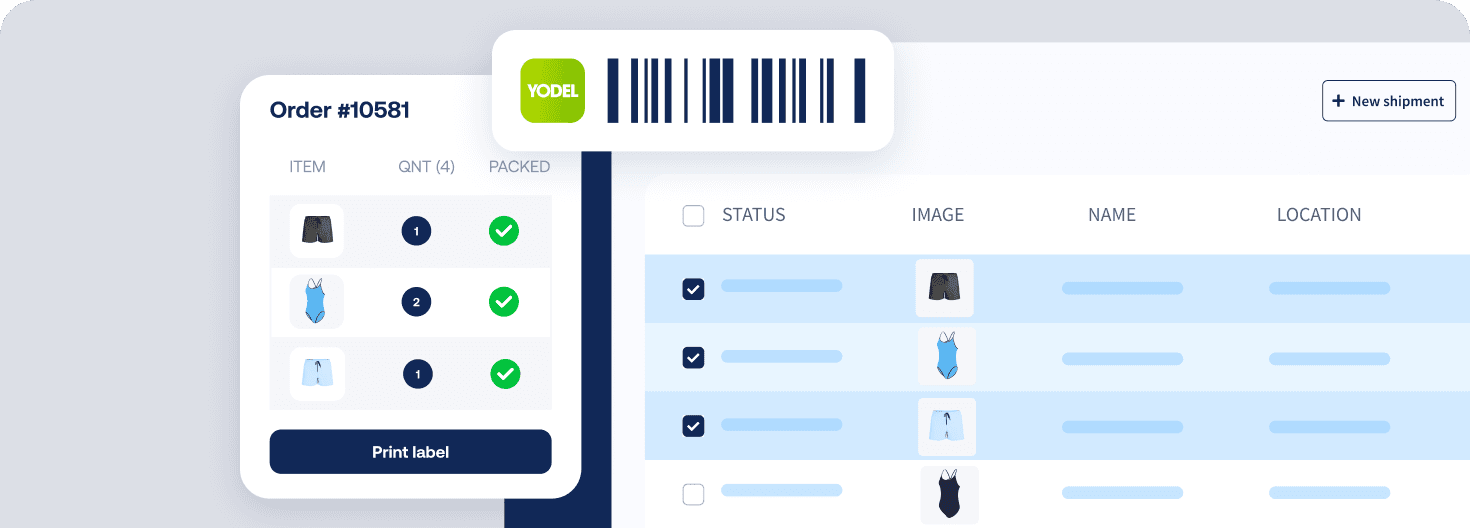
When pick lists pile up in Picqer, time leaks at the packing bench. Sendcloud applies the right shipping profile via shipping rules, prints the label, and writes tracking back to the picking list. Letterbox or parcel, your team ships faster with fewer errors.

Create shipments straight from Picqer picking lists
Tracking code syncs back to the Picqer picking list
Apply the right shipping profile automatically with shipping rules
HOW TO CONNECT
A simple 3-step flow:
Run your shipping operations from one place.
Connect Picqer to Sendcloud
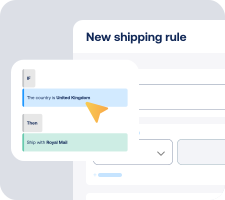
Choose carriers and automate shipping rules

Manage shipping, tracking, and returns in one place

Get the most out of Picqer with Sendcloud
Grow your business
Process more orders per shift by automating pick-to-ship.

Ship more efficiently
Create shipments from Picqer without switching tabs.
Deliver great experiences
Send branded tracking and let buyers pick service points.

Resolve shipping issues faster
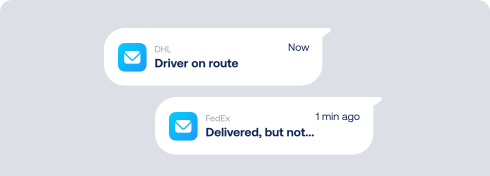
See tracking on the Picqer picking list to answer WISMO at the bench.
MULTI-CARRIER STRATEGY
Picqer shipping with the carriers your operations need
Offer the right option for every order. With Sendcloud, Picqer users access 170+ carriers, use pre-negotiated rates or upload their own, and switch methods with shipping rules to balance speed and cost.



When delivery goes wrong, your brand shows up first
Connect Sendcloud to Klaviyo today.
Free plan available
Works with your shop
Cancel anytime
Connect Klaviyo
FInd out more