Sendcloud Multi-Courier Shipping API
The Multi-Courier Shipping API to Integrate with 170+ Couriers
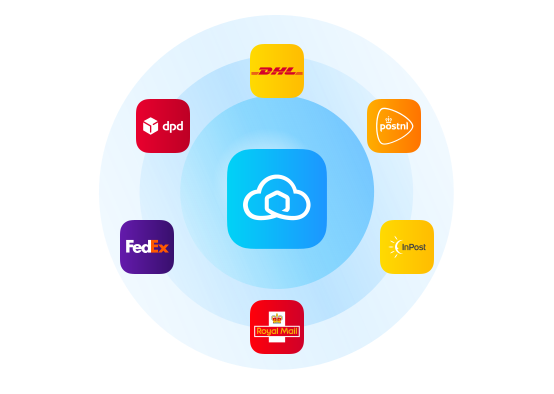
Use a single multi-courier Shipping API (RESTful) to add full shipping functionality to any shop, WMS, ERP, or marketplace without worrying about individual courier requirements and updates.
Sendcloud Multi-Courier Shipping API
The Multi-Courier Shipping API to Integrate with 170+ Couriers
Use a single multi-courier Shipping API (RESTful) to add full shipping functionality to any shop, WMS, ERP, or marketplace without worrying about individual courier requirements and updates.
Sendcloud Multi-Courier Shipping API
The Multi-Courier Shipping API to Integrate with 170+ Couriers
Use a single multi-courier Shipping API (RESTful) to add full shipping functionality to any shop, WMS, ERP, or marketplace without worrying about individual courier requirements and updates.
Shipping API
Get rates, create shipments, download labels, track deliveries, create returns, webhook system, and much more.
Service Point API
Retrieve the list of active couriers, query service points by GPS location, and check their availability.
Return Portal API
Build your own return portal, find the closest service point to the customer’s address, create return shipments, and download return labels.
Return API
Create domestic and international returns, retrieve all necessary return data, request returns to be canceled and validate a return before creating the return label.
Dynamic Checkout API
Seamlessly integrate flexible delivery options into your checkout and increase conversion.
Easy to use and thoroughly documented
Reliable – 99.99% Uptime
Tested on milions of shipments
Available on all plans
Where do you start?
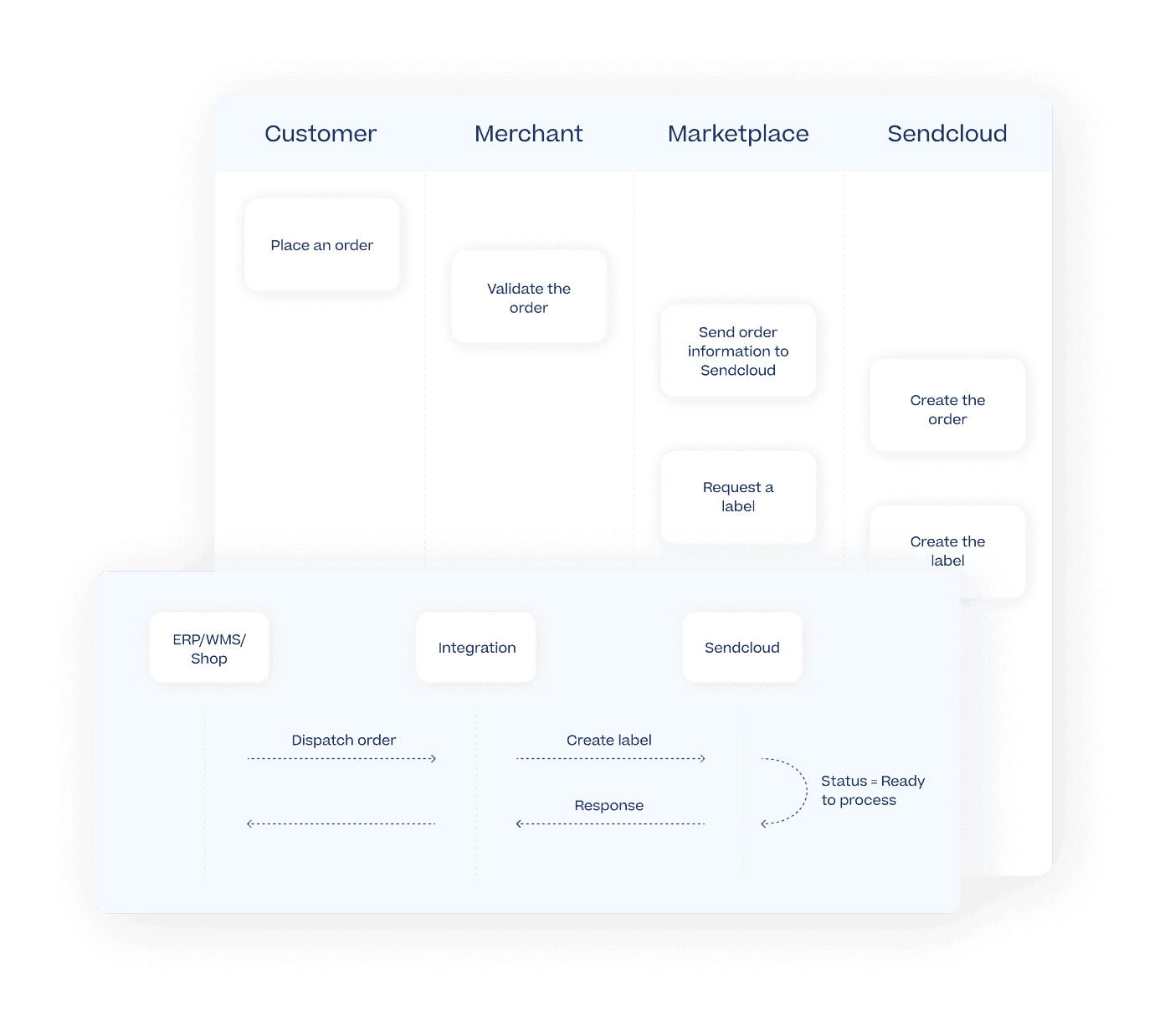
Shipping API integration guidelines
Gain a better understanding of what, how, and why before you start coding.
General guidelines
Get to know what the API has to offer and dive deeper into various types of workflows.
Marketplace guidelines
Learn about different ways to integrate your marketplace and choose the one that best fits your case.
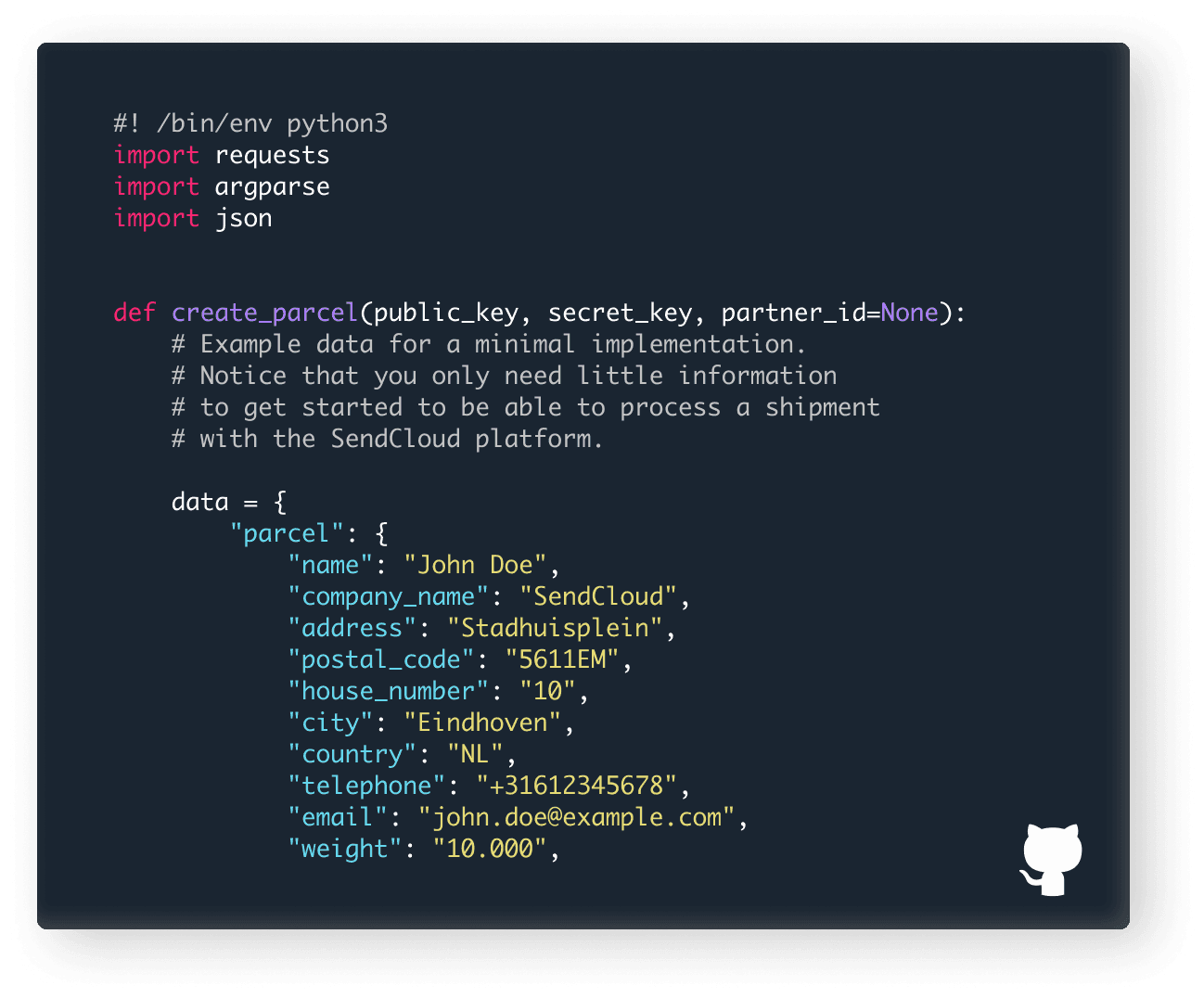
Shipping API integration examples
Service Point Picker
See how to integrate the Service Point Picker into a custom application.



Improve your whole shipping experience
Discover what makes Sendcloud an all-round shipping platform chosen by 30,000+ businesses.
Fulfilment case study
860k parcels/year for 160 brands
See how Hive streamlines D2C fulfilment, aiming to reduce delivery times down to two days across Europe.
“New courier integrations usually require a lot of time and technical resources. But with the Sendcloud API, we can go live with a new delivery option in minutes.”

Oscar Ziegler
Co-Founder & CEO
,
Hive

One multi-courier Shipping API for all your shipping needs
Set up in 5 minutes
No coding required
No credit card required
More than 2,600 five star reviews


One multi-courier Shipping API for all your shipping needs
Set up in 5 minutes
No coding required
No credit card required
More than 2,600 five star reviews
One multi-courier Shipping API for all your shipping needs
Set up in 5 minutes
No coding required
No credit card required
More than 2,600 five star reviews
Questions & answers
How can I effectively utilize the Sendcloud Shipping API for seamless shipping operations?
There are multiple strategies for maximizing the efficiency of our API utilization. For example, you have the option to generate Parcels in large quantities, retrieve recently updated Parcels by utilizing the "updated_after" parameter, or leverage webhooks to receive updates directly pushed to your system. To perform bulk announcements efficiently through our API, consider executing them in smaller batches and in parallel. For instance, if you have 100 parcels to announce, you could divide them into 5 batches of 20 calls each and execute these batches simultaneously using our API.
How can I leverage the power of the Shipping API to instantly generate labels when creating parcels?
To generate parcels and shipping labels simultaneously through the API, include the 'request_label' field set to 'true' in the request to the Create a parcel endpoint. Further details on this process can be found in our documentation.
Is it possible to apply shipping rules when using the Shipping API to create parcels?
When creating parcels via the panel, shipping rules will be applicable if the 'apply_shipping_rules' field is set to true. For accurate application of shipping rules, we recommend using the "Unstamped letter" shipping method when generating your parcels. By doing so, you can bypass the mandatory 'shipping_method' fields, and any configured rules impacting shipping method selection will be correctly applied to your parcels.
Is there a way to test the Shipping API without incurring charges for the labels generated?
For testing purposes, you have the option to utilize the Sendcloud shipping method called "Unstamped letter" when creating your parcels. This enables you to experiment with the API without the concern of incurring charges for the labels generated. However, please be aware that the "Unstamped letter" method cannot be used to test the creation of return labels. If you need to test return shipping labels, you should choose a shipping method that supports cancellation requests from Sendcloud. Ensure you cancel the label before 23:59 on the day it was created. For detailed information on testing labels, refer to our documentation.
When establishing a direct courier contract, can I access all of my shipping methods through the API?
Certainly! If you have successfully connected your own courier contract, you can retrieve both your custom methods and Sendcloud methods by sending a GET request to the Retrieve a list of shipping methods endpoint. It's important to note that your contract pricing will only be retrieved if you have uploaded your own courier pricing into the system.
Can I retrieve my own pricing from direct courier contracts using the Shipping API to check rates and compare shipping methods?
Indeed! You can access your own prices within your Sendcloud account.
How can I conveniently create multi-piece (multicollo) shipments through the Shipping API?
Yes! You have the capability to do so, and you can find more detailed information on this in our documentation.
What options does the Shipping API provide for creating international shipments?
Certainly! When the mandatory fields are accurately specified for each product in the shipment, your customs documents will be automatically generated. For more information, please refer to our documentation (international shipping section).
Questions & answers
How can I effectively utilize the Sendcloud Shipping API for seamless shipping operations?
There are multiple strategies for maximizing the efficiency of our API utilization. For example, you have the option to generate Parcels in large quantities, retrieve recently updated Parcels by utilizing the "updated_after" parameter, or leverage webhooks to receive updates directly pushed to your system. To perform bulk announcements efficiently through our API, consider executing them in smaller batches and in parallel. For instance, if you have 100 parcels to announce, you could divide them into 5 batches of 20 calls each and execute these batches simultaneously using our API.
How can I leverage the power of the Shipping API to instantly generate labels when creating parcels?
To generate parcels and shipping labels simultaneously through the API, include the 'request_label' field set to 'true' in the request to the Create a parcel endpoint. Further details on this process can be found in our documentation.
Is it possible to apply shipping rules when using the Shipping API to create parcels?
When creating parcels via the panel, shipping rules will be applicable if the 'apply_shipping_rules' field is set to true. For accurate application of shipping rules, we recommend using the "Unstamped letter" shipping method when generating your parcels. By doing so, you can bypass the mandatory 'shipping_method' fields, and any configured rules impacting shipping method selection will be correctly applied to your parcels.
Is there a way to test the Shipping API without incurring charges for the labels generated?
For testing purposes, you have the option to utilize the Sendcloud shipping method called "Unstamped letter" when creating your parcels. This enables you to experiment with the API without the concern of incurring charges for the labels generated. However, please be aware that the "Unstamped letter" method cannot be used to test the creation of return labels. If you need to test return shipping labels, you should choose a shipping method that supports cancellation requests from Sendcloud. Ensure you cancel the label before 23:59 on the day it was created. For detailed information on testing labels, refer to our documentation.
When establishing a direct courier contract, can I access all of my shipping methods through the API?
Certainly! If you have successfully connected your own courier contract, you can retrieve both your custom methods and Sendcloud methods by sending a GET request to the Retrieve a list of shipping methods endpoint. It's important to note that your contract pricing will only be retrieved if you have uploaded your own courier pricing into the system.
Can I retrieve my own pricing from direct courier contracts using the Shipping API to check rates and compare shipping methods?
Indeed! You can access your own prices within your Sendcloud account.
How can I conveniently create multi-piece (multicollo) shipments through the Shipping API?
Yes! You have the capability to do so, and you can find more detailed information on this in our documentation.
What options does the Shipping API provide for creating international shipments?
Certainly! When the mandatory fields are accurately specified for each product in the shipment, your customs documents will be automatically generated. For more information, please refer to our documentation (international shipping section).
Questions & answers
How can I effectively utilize the Sendcloud Shipping API for seamless shipping operations?
There are multiple strategies for maximizing the efficiency of our API utilization. For example, you have the option to generate Parcels in large quantities, retrieve recently updated Parcels by utilizing the "updated_after" parameter, or leverage webhooks to receive updates directly pushed to your system. To perform bulk announcements efficiently through our API, consider executing them in smaller batches and in parallel. For instance, if you have 100 parcels to announce, you could divide them into 5 batches of 20 calls each and execute these batches simultaneously using our API.
How can I leverage the power of the Shipping API to instantly generate labels when creating parcels?
To generate parcels and shipping labels simultaneously through the API, include the 'request_label' field set to 'true' in the request to the Create a parcel endpoint. Further details on this process can be found in our documentation.
Is it possible to apply shipping rules when using the Shipping API to create parcels?
When creating parcels via the panel, shipping rules will be applicable if the 'apply_shipping_rules' field is set to true. For accurate application of shipping rules, we recommend using the "Unstamped letter" shipping method when generating your parcels. By doing so, you can bypass the mandatory 'shipping_method' fields, and any configured rules impacting shipping method selection will be correctly applied to your parcels.
Is there a way to test the Shipping API without incurring charges for the labels generated?
For testing purposes, you have the option to utilize the Sendcloud shipping method called "Unstamped letter" when creating your parcels. This enables you to experiment with the API without the concern of incurring charges for the labels generated. However, please be aware that the "Unstamped letter" method cannot be used to test the creation of return labels. If you need to test return shipping labels, you should choose a shipping method that supports cancellation requests from Sendcloud. Ensure you cancel the label before 23:59 on the day it was created. For detailed information on testing labels, refer to our documentation.
When establishing a direct courier contract, can I access all of my shipping methods through the API?
Certainly! If you have successfully connected your own courier contract, you can retrieve both your custom methods and Sendcloud methods by sending a GET request to the Retrieve a list of shipping methods endpoint. It's important to note that your contract pricing will only be retrieved if you have uploaded your own courier pricing into the system.
Can I retrieve my own pricing from direct courier contracts using the Shipping API to check rates and compare shipping methods?
Indeed! You can access your own prices within your Sendcloud account.
How can I conveniently create multi-piece (multicollo) shipments through the Shipping API?
Yes! You have the capability to do so, and you can find more detailed information on this in our documentation.
What options does the Shipping API provide for creating international shipments?
Certainly! When the mandatory fields are accurately specified for each product in the shipment, your customs documents will be automatically generated. For more information, please refer to our documentation (international shipping section).
Product
Solutions
Integrations
© 2026 Sendcloud. All Rights Reserved
Chamber of Commerce: 66572959
VAT number: NL856613897B01
Product
Integrations
Solutions
Resources
© 2026 Sendcloud. All Rights Reserved
Chamber of Commerce: 66572959
VAT number: NL856613897B01
Product
© 2026 Sendcloud. All Rights Reserved
Chamber of Commerce: 66572959
VAT number: NL856613897B01